CONTENT / 01
Live Tables or Self-Paced Slots — Know the Difference
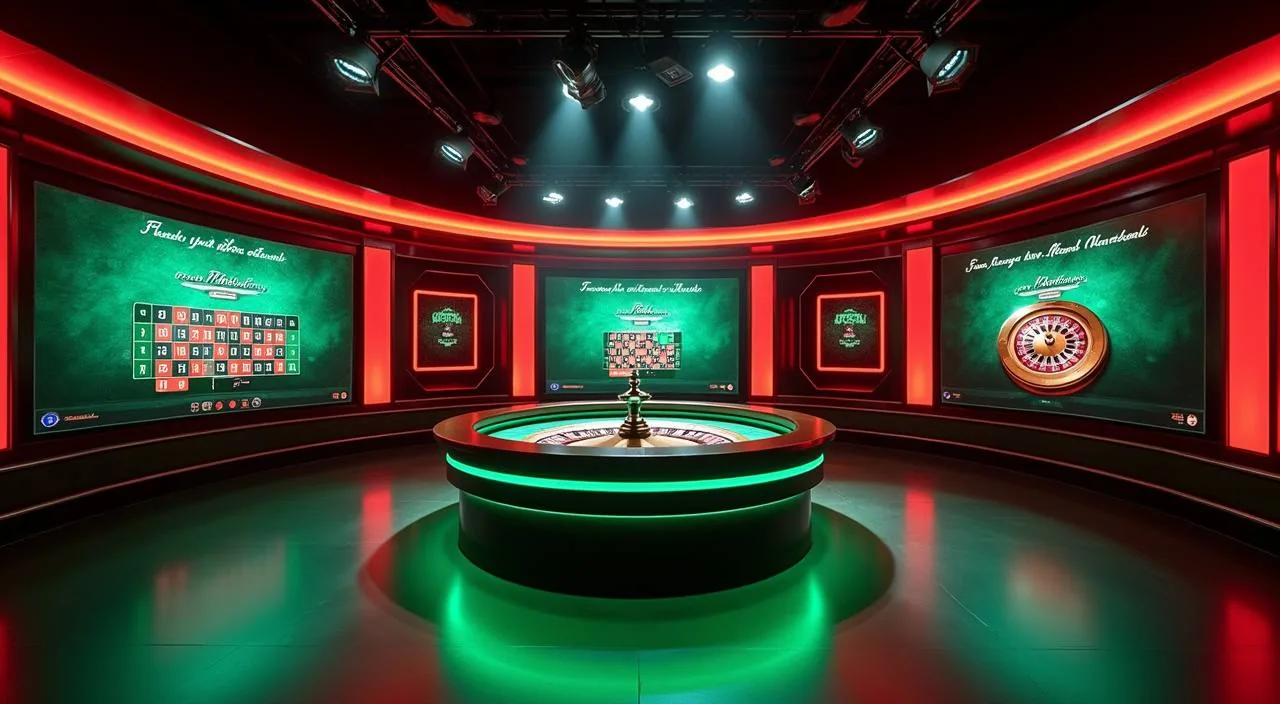
The lobby gives you two distinct ways to play, and the choice changes how your session runs. Live dealer tables — Baccarat JetSet and Roulette Livestream are two of the titles you will find there — run on a studio clock. Slots and similar self-paced titles run on your own schedule — you set the pace, pause whenever you like, and return without losing your place. If you are unsure which format suits your session, the lobby filter lets you sort by game type so you can browse live tables and self-paced titles separately before committing to a round.
CONTENT / 02
What the bju77 Game Catalogue Covers
The lobby organises content into live casino tables, slots and a sportsbook — each a distinct tab so you land exactly where you mean to go. Whether you are in the mood for a dealer-managed table or a self-paced slot session, the category filter gets you there without scrolling through unrelated titles.
CONTENT / 04
bju77 lobby studios
The bju77 lobby carries content from Habanero, Pragmatic Play, Joker, Bigtime Gaming, PlayStar. To check the studio, rules or features of one specific game, open that game card or the published information panel.
-
Habanero
-
Pragmatic Play
-
Joker
-
Bigtime Gaming
-
PlayStar
CONTENT / 03
Play the Full Lobby from Your Phone Browser
The bju77 lobby runs in your phone browser without needing a separate download. Open the site address in Chrome or your default mobile browser and the layout adjusts to your screen automatically — the game categories, cashier and account settings all reformat for touch navigation.
-
Browser-Based Access
No app download is required. Open the site in Chrome or your default mobile browser — the full lobby, cashier and account area load in the browser tab. The layout adapts to phone screen sizes automatically. Bookmarking the site address keeps it one tap away without occupying storage space the way a native app would.
-
Mobile Wallet Deposits
Depositing via bKash or Rocket from your phone is a two-app flow: start the deposit in the bju77 cashier, then switch to your wallet app to authorise. Both apps can run simultaneously on most devices. Once the wallet app confirms the transfer, switch back to your bju77 browser tab — the balance updates there. No reload needed in most cases.
-
Live Tables on Mobile
Live dealer tables stream to mobile browsers when the connection is stable. A Wi-Fi signal or full mobile data bars give you a consistent dealer stream. If the stream stutters, check your signal before reporting an issue — most interruptions are connection-side, not game-side.
 Live / Sports